
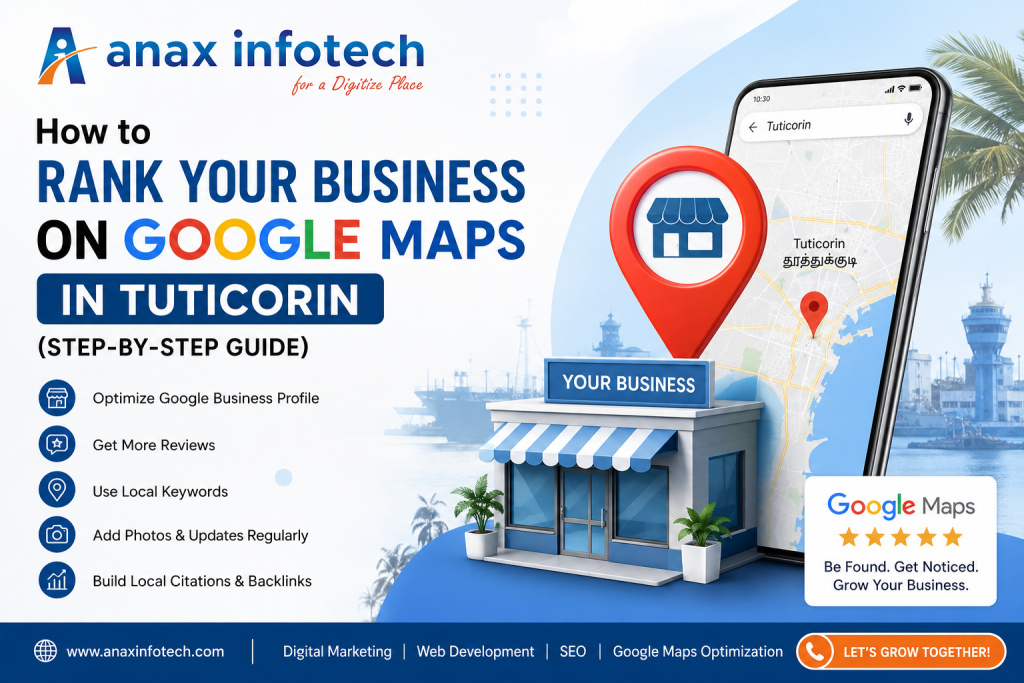
How to Rank Your Business on Google Maps in Tuticorin (Step-by-Step Guide)
If you run a local business in Tuticorin, ranking on Google Maps is no longer optional—it’s essential. Whether you own a retail shop, service company, or industrial unit, your potential customers are actively searching online before making decisions. Appearing in the top results of Google Maps can significantly increase your visibility, leads, and sales. In this step-by-step guide, we’ll show you exactly how to rank your business on Google Maps in Tuticorin and stay ahead of your competitors.1. Create and Verify Your Google Business Profile
The first and most important step is to set up your Google Business Profile (GBP).- Visit Google Business Profile and create your listing
- Enter your business name exactly as it appears offline
- Choose the correct business category (very important for ranking)
- Add accurate address and pin location in Tuticorin
- Verify your listing via OTP, postcard, or phone
2. Optimize Your Business Information (NAP Consistency)
Your Name, Address, and Phone Number (NAP) must be accurate and consistent across all platforms.- Use the same business name everywhere
- Ensure your address matches your website and other directories
- Add a local Tuticorin phone number
3. Add High-Quality Photos & Videos
Businesses with images get more clicks and engagement.- Upload your office/storefront photos
- Add product/service images
- Include team and work process photos
- Upload short videos if possible
4. Use Relevant Keywords in Your Profile
Include keywords that your customers are searching for in Tuticorin. Examples:- “Website Development Company in Tuticorin”
- “Digital Marketing Services Tuticorin”
- “SEO Company in Tuticorin”
- Business description
- Services section
- Posts and updates
5. Collect Positive Customer Reviews
Reviews are one of the biggest ranking factors for Google Maps.- Ask satisfied customers to leave reviews
- Respond to all reviews (positive and negative)
- Use keywords naturally in replies
6. Post Regular Updates on Your Profile
Google allows you to post updates just like social media.- Share offers and promotions
- Post blog links from your website
- Announce new services or achievements
7. Add Services and Products
Clearly list your services with descriptions. Example:- Website Development
- SEO Services
- Social Media Marketing
8. Build Local Citations
List your business on trusted directories:- Justdial
- IndiaMART
- Sulekha
- Yellow Pages
9. Optimize Your Website for Local SEO
Your website plays a key role in Google Maps ranking.- Add location-based keywords (Tuticorin) in titles and content
- Create a dedicated “Contact Us” page with map integration
- Ensure mobile-friendly and fast loading website
- Use schema markup for local business
10. Build Backlinks from Local Sources
Backlinks from relevant websites signal authority to Google.- Get links from local blogs or news sites
- Partner with local businesses
- List your business in local directories
11. Enable Messaging and Q&A
Turn on messaging so customers can contact you directly. Also:- Add frequently asked questions
- Answer queries clearly
12. Track Performance and Improve
Use insights from Google Business Profile to monitor:- How customers find your listing
- Number of calls and clicks
- Popular search queries
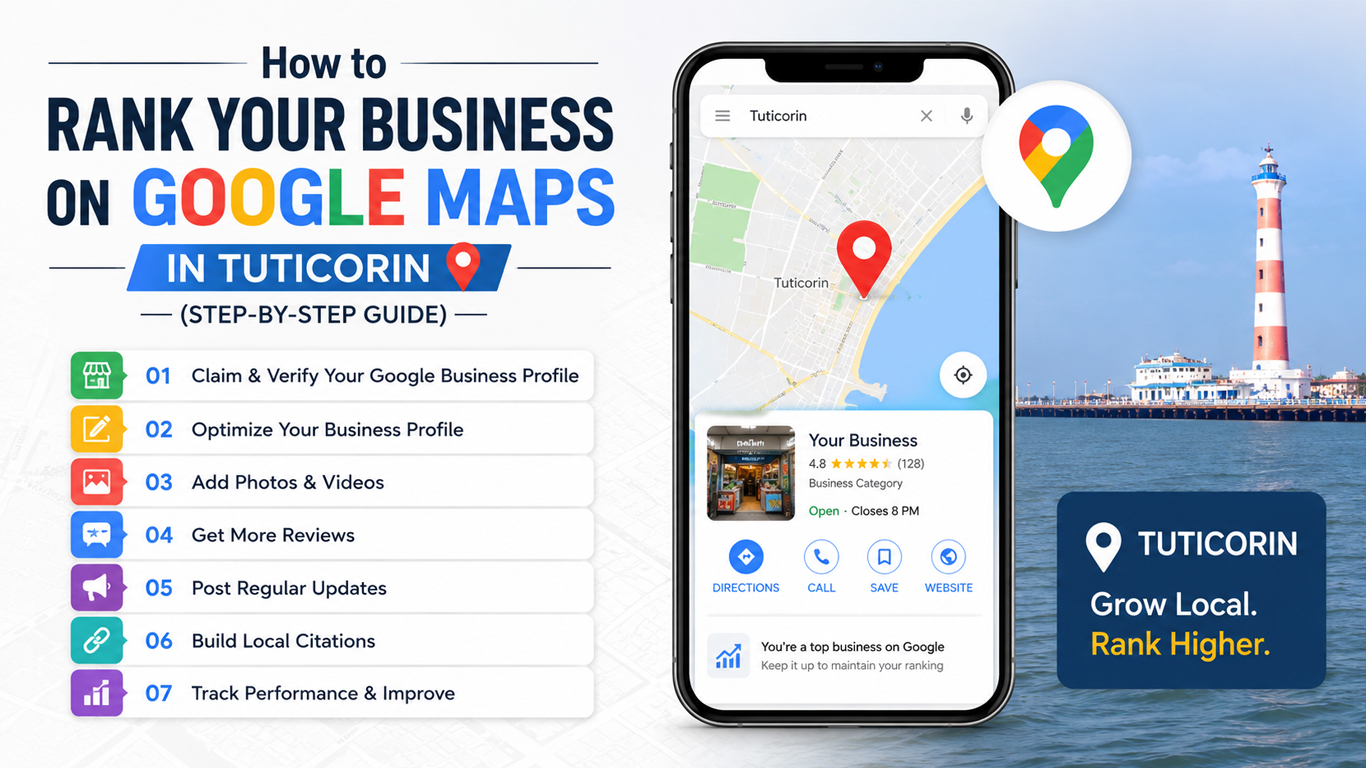
Final Thoughts
Ranking your business on Google Maps in Tuticorin requires a combination of optimization, consistency, and ongoing effort. By following these steps, you can improve your visibility, attract local customers, and grow your business effectively. However, achieving top rankings isn’t just about setting up a profile—it requires expert strategy, continuous monitoring, and proven SEO techniques. Anax Infotech specializes in helping businesses dominate Google Maps rankings with result-driven local SEO strategies. From Google Business Profile optimization to complete digital marketing solutions, our team ensures your business stands out in Tuticorin’s competitive market. If you’re ready to bring your business to the top of Google Maps and generate more leads, connect with Anax Infotech today and let’s grow your business together.
Contact Anax Infotech today to boost your local visibility with expert GMB optimization services.
 Call: +91 92712 33 333
 Email: info@anaxinfotech.com
 Website: www.anaxinfotech.com
 Visit us at our office in Thoothukudi
Follow us on Facebook & LinkedIn for the latest marketing insights and trends.
Contact us today and take your business to the next level.