
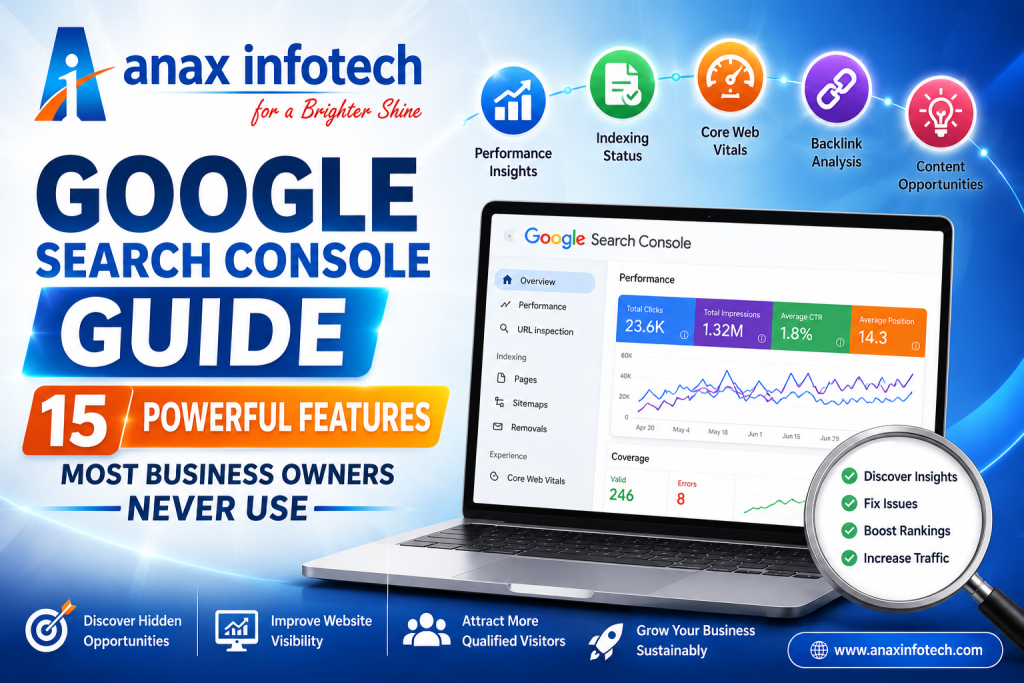
Google Search Console Guide: 15 Powerful Features Most Business Owners Never Use
Learn how experienced SEO professionals use Google Search Console to discover ranking opportunities, fix indexing issues, improve website visibility, and drive more organic traffic.
Every business owner wants more customers from Google, but many overlook one of the most valuable SEO tools available—Google Search Console (GSC). While most people log in only to check whether their website is indexed, experienced SEO professionals know that Search Console offers much more than basic indexing reports.
Over the years, I've noticed that businesses often invest in website design and content but rarely spend time understanding the data Google provides for free. The difference between a website that struggles to rank and one that consistently attracts qualified visitors often comes down to how effectively this data is used.
In this Google Search Console Guide, I'll share 15 lesser-known features that can help you make smarter SEO decisions, improve your website's visibility, and attract more organic traffic without relying on guesswork.
1. Identify Pages That Are Almost Ranking
One of the first reports I review is the Performance section. Instead of focusing only on top-ranking keywords, look for pages appearing between positions 11 and 20.
Google already trusts these pages. Refreshing the content, adding relevant internal links, and optimizing headings can help these pages reach the first page of search results and attract significantly more traffic.
2. Find Search Terms You Never Planned For
Google sometimes ranks your page for keywords you didn't intentionally target.
Review the queries connected to each page. If you notice relevant searches appearing repeatedly, consider expanding that section of the content. This makes your content more valuable while improving keyword relevance naturally.
3. Analyze Website Performance Over Time
Checking today's numbers tells only part of the story.
Compare recent performance with previous months to understand whether your SEO efforts are producing consistent growth or if certain pages are beginning to lose visibility.
4. Watch Click-Through Rate Carefully
Ranking well doesn't always guarantee visitors.
If a page receives thousands of impressions but very few clicks, your page title or description may not encourage users to visit your website. Improving these elements often increases traffic without changing rankings.
5. Use URL Inspection After Every Major Update
Whenever you publish a new blog or improve an existing page, inspect the URL inside Search Console.
This helps verify that Google can crawl the page successfully and lets you submit it for indexing immediately.
6. Discover Which Pages Google Ignores
Many websites contain pages that never appear in search results.
The indexing reports reveal duplicate content, crawl errors, redirects, and technical issues preventing important pages from appearing in Google Search.
7. Learn Which Countries Find Your Website
Businesses planning international expansion should regularly review the Countries report.
You may discover valuable opportunities in markets you never expected.
8. Understand Device Performance
Compare desktop and mobile performance separately.
If mobile visitors perform poorly, improve loading speed, navigation, and readability for a better user experience.
9. Monitor Core Web Vitals
Core Web Vitals measure loading speed, responsiveness, and visual stability.
Optimizing these metrics improves both SEO performance and visitor satisfaction.
10. Review Valuable External Links
Search Console's link report shows which websites already trust your content.
Study your strongest pages and create more high-value content around similar topics.
11. Strengthen Internal Linking
Connect your best-performing articles with related blogs to improve crawlability and user engagement.
12. Detect Seasonal Search Behaviour
Comparing year-over-year data helps identify seasonal trends so you can publish content before search demand increases.
13. Monitor Image Search Performance
Optimize image filenames, alt text, and quality to improve visibility in Google Images and gain additional organic traffic.
14. Check Rich Result Opportunities
Structured data reports help identify errors preventing your website from earning rich search results like FAQs, reviews, and enhanced snippets.
15. Turn Search Data into Content Ideas
Every search query represents a real customer question.
Use these insights to create future blog posts based on actual search intent rather than assumptions.
Make Google Search Console Part of Your Weekly Routine
Search Console delivers the greatest value when used consistently. Spending just 20 minutes each week reviewing reports can reveal indexing problems, uncover keyword opportunities, and identify pages that deserve immediate attention.
Rather than reacting after rankings fall, proactive monitoring helps maintain consistent organic growth.
Final Thoughts
Google Search Console is far more than a reporting dashboard—it's a direct communication channel between your website and Google. The insights it provides help businesses improve technical SEO, discover content opportunities, and make informed decisions backed by real search data.
At Anax Infotech, we use Google Search Console daily to monitor website health, identify SEO opportunities, and build long-term organic growth strategies. When combined with quality content and continuous optimization, it becomes one of the most powerful tools for achieving sustainable search visibility.
Contact Anax Infotech today to boost your local visibility with expert GMB optimization services.
 Call: +91 92712 33 333
 Email: info@anaxinfotech.com
 Website: www.anaxinfotech.com
 Visit us at our office in Thoothukudi
Follow us on Facebook & LinkedIn for the latest marketing insights and trends.
Contact us today and take your business to the next level.